
eMIMSplus Password Reset
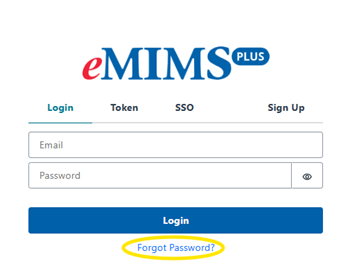
Go to eMIMSplus website https://app.emims.plus then click on the “Forgot Password” link.
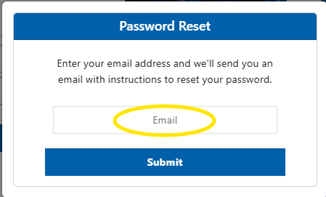
Type in your registered email address then click on the “Submit” button.
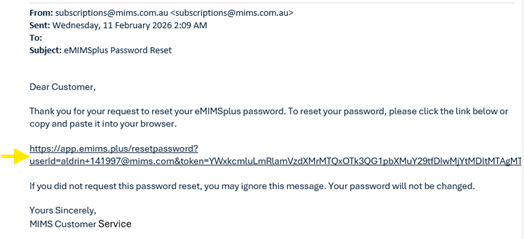
Check your mailbox and click on the link to finalise the reset process (sample reset email below).
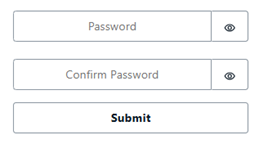
Type-in a new password and confirm then click on “Submit”.
Login to eMIMSplus with the new password – https://app.emims.plus